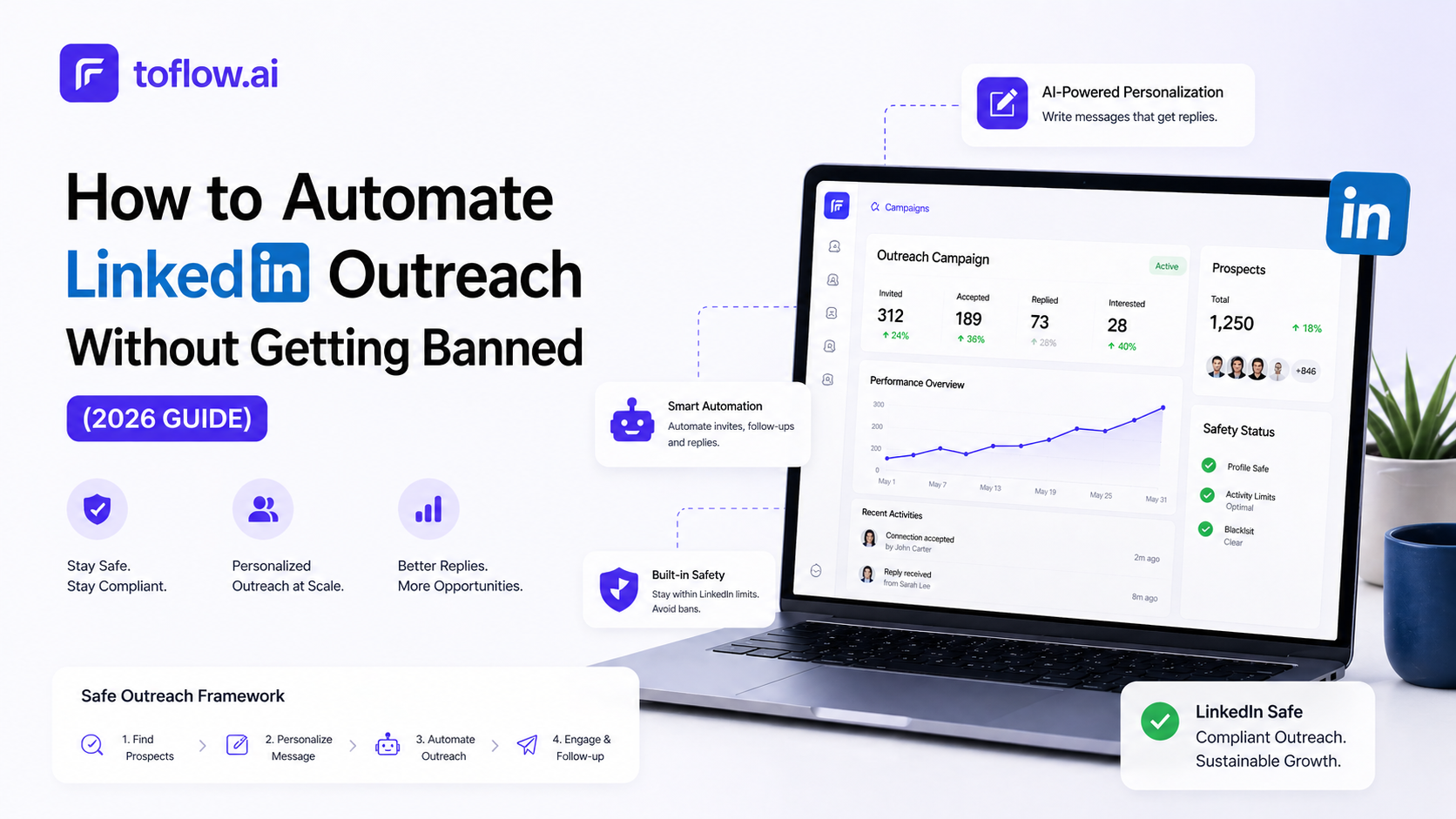

LinkedIn is where B2B deals start. It is also where most outreach teams waste the most time, manually sending connection requests, writing follow-up messages, tracking who replied, and switching between tabs all day.
Automating LinkedIn outreach fixes this. Done right, it turns a one-person effort into a scalable system that runs while you are on calls, in meetings, or asleep. Done wrong, it gets your account flagged.
This guide covers how to automate LinkedIn outreach in 2026: the limits to respect, the tools that work, and how AI is changing what automation even means.
Why Automate LinkedIn Outreach
A typical SDR sending LinkedIn outreach manually can reach 20–30 people a day before message quality suffers. With automation, the same rep can run structured sequences at 3–5x that volume, without copying and pasting the same message 80 times.
Beyond volume, the bigger win is consistency. Automated sequences do not forget to follow up. They do not skip a prospect because Friday got busy. Every contact in your list gets the same structured outreach at the right intervals.
The result: more conversations started, fewer leads falling through the cracks, and reps spending time on replies instead of sending.
What You Can Actually Automate on LinkedIn
LinkedIn automation breaks into a few distinct actions.
Connection requests. Sending invitations with or without a note to your target list.
Messages. Follow-up messages after a connection is accepted, or direct messages to existing connections.
Profile visits. Visiting a prospect's profile before reaching out, which increases acceptance rates because people notice who viewed them.
Post interactions. Liking or commenting on a prospect's recent post before the outreach, creating a warm touchpoint.
Follow-ups. Sending a second or third message after the first gets no reply, timed based on days elapsed.
Sequence orchestration. Combining all of the above into a structured multi-step flow: visit profile, connect, message, follow-up, email, WhatsApp.
The more of this you can automate in one place, the less context-switching your team does.
LinkedIn's Limits and Why They Matter
LinkedIn restricts automated behavior, and ignoring those limits is how accounts get restricted.
The platform watches for unnatural activity: too many connection requests in a short window, messages sent at machine speed, repetitive identical messages, and logins from unusual locations.
Safe daily limits to stay within:
- Connection requests: 20–30 per day
- Messages: 50–80 per day
- Profile visits: 80–100 per day
These numbers are conservative, but conservative is how accounts stay alive. LinkedIn has tightened enforcement significantly, and the automation tools that ignore this have a trail of banned accounts to show for it.
Cloud-based tools with dedicated IP addresses and human behavior simulation are significantly safer than browser-based tools that run directly from your laptop.
Types of LinkedIn Automation Tools
Browser-Based Tools
Run as Chrome extensions and simulate clicks in your browser. Examples include Expandi, Dripify, and MeetAlfred. Cheaper, but riskier because activity originates from your browser session. LinkedIn can detect the fingerprint.
Cloud-Based Tools
Run on remote servers with dedicated IPs. Safer because the activity pattern looks more like a human using LinkedIn from a stable location. Most serious outreach teams use cloud-based tools.
AI-Native Platforms
The newest category in 2026. Instead of just automating clicks, these platforms use AI to research prospects, write personalized messages, decide when to follow up, and respond to signals like email opens or LinkedIn profile views. toflow.ai is built this way. You describe who you want to reach, and the AI builds the list, enriches contacts, writes the sequence, and runs it across LinkedIn, email, and WhatsApp from a single platform.
How to Automate LinkedIn Outreach: Step by Step
Step 1: Define your ICP clearly
Automation amplifies your targeting. If your ICP is vague, you will send a lot of messages to the wrong people fast. Be specific: job title, seniority, company size, industry, geography.
Step 2: Build your prospect list
Export from LinkedIn Sales Navigator, use an AI prospecting tool, or import an existing list. Clean data matters here. Duplicate contacts or outdated titles waste quota.
Step 3: Enrich contacts before outreach
The best personalization comes from data. Knowing a prospect's company just raised a round, recently posted about a problem you solve, or uses a competitor changes the angle of your message. toflow's enrichment agent pulls this automatically before outreach starts.
Step 4: Write your sequence
A standard LinkedIn sequence looks like this:
- Day 1. Visit the prospect's profile as a warm signal before connecting
- Day 2. Send a connection request with a short, personalized note. Keep it under 300 characters.
- Day 4. Send your first message after the connection is accepted
- Day 8. Follow-up message if no reply
- Day 14. Final message or switch to email
Keep messages short. LinkedIn is not email. The best-performing connection notes are under 200 characters and reference something specific about the person.
Step 5: Set up safety limits
Cap your daily connection requests at 20–25. Add randomized delays between actions. Do not run outreach 24/7. Keep it within business hours in your prospect's timezone.
Step 6: Monitor and iterate
Aim for an acceptance rate of 25–40%. Reply rates of 5–15% are solid for cold outreach. If acceptance is low, your targeting or connection note needs work. If replies are low, your first message needs work.
What to Write in LinkedIn Messages
Connection note and first message copy is where most LinkedIn automation fails. The sequence mechanics can be perfect and the targeting precise, but if the message is generic, nothing else matters.
Connection request notes have a 300-character limit. The best-performing ones are under 200 characters and follow a simple structure: reference something specific about the person, then say why you are reaching out. No pitch in the connection note. Just a reason to connect.
Examples that work:
- "Saw your post on outbound at SaaS companies — good take on timing. Would love to connect."
- "We both know [mutual connection]. I work on sales tooling for fintech teams and thought it worth connecting."
- "Noticed [Company] just expanded into [market]. Would be good to have you in my network."
First messages after connection should be short. Three to four sentences maximum. One clear question at the end. Do not assume the prospect remembers why they connected. Lead with something specific about them, then get to your point quickly.
Follow-up messages should be even shorter. If touch 1 was four sentences, touch 2 should be two. Reference the previous message briefly ("following up on my note last week"), add a new angle or a piece of value, and ask a direct question.
What kills reply rates:
- Opening with "I" ("I noticed...", "I wanted to reach out...")
- Pitching the product in the connection note
- Using the prospect's first name twice in the same message
- Generic openers ("Hope this finds you well")
Personalization at Scale
The most common objection to LinkedIn automation is that messages feel generic. That is a copy problem, not an automation problem.
Effective automated LinkedIn outreach uses merge fields for name, company, and role. But the best versions go further. They pull in a recent post the prospect wrote, a trigger event like a job change or funding round, or a specific pain point relevant to their industry.
AI-native tools do this automatically. Instead of writing one template with {{first_name}} and {{company}}, the AI reads the prospect's LinkedIn profile, company website, and recent activity, then writes a message that references something real. The message still sends automatically. It just does not read like it was automated.
Multichannel: LinkedIn + Email + WhatsApp
LinkedIn-only sequences have a ceiling. Prospects who do not respond on LinkedIn may respond to an email. Prospects who miss the email may catch a WhatsApp message.
The best-performing outreach teams run coordinated multichannel sequences across all three channels, not three separate campaigns, but one sequence that moves across channels based on where the prospect engages.
toflow.ai automates this natively. A single sequence can start on LinkedIn, follow up by email if there is no reply, and continue on WhatsApp, all managed in one place, with every reply tracked in a unified inbox.
What AI Changes About LinkedIn Automation
Traditional LinkedIn automation tools automate actions. AI-native platforms automate thinking.
With tools like toflow.ai, you do not build a sequence manually. You describe what you need, "find 200 fintech founders in the US, enrich them, and create a 5-step LinkedIn and email sequence," and the AI does it. The list is built, contacts enriched, messages personalized, and sequence launched. You review and approve before anything goes out.
The follow-up agent watches for engagement signals. If a prospect opens your email three times, the system knows to follow up sooner. If a connection request goes unanswered for 10 days, the sequence moves to email automatically.
Common Mistakes to Avoid
Sending too many requests too fast. Even with safe tools, ramping up too quickly triggers LinkedIn's systems. Start slow, around 10 requests a day for the first week, then increase gradually.
Identical messages to everyone. Rotating 3–4 variations of your message copy reduces detection risk and improves reply rates.
No warm-up. New LinkedIn accounts should not run automation immediately. Build organic activity first, posts, connections, profile completion, before layering in automated outreach.
Ignoring replies. Automation starts the conversation. A human needs to take over when someone replies. Make sure replies from all channels land in one place.
No follow-up. Most replies come on the second or third touch. Setting up only one message and stopping leaves most of your pipeline behind.
How to Measure LinkedIn Outreach Performance
Running a LinkedIn automation sequence without tracking the right numbers is how teams spend weeks optimising the wrong thing.
Connection acceptance rate. The percentage of connection requests that get accepted. A healthy rate is 25–40% for cold outreach. Below 20% almost always means the targeting is off, the connection note is too salesy, or you are sending to people who do not recognize why you are relevant to them.
Reply rate. The percentage of accepted connections who respond to your first or follow-up message. 5–15% is solid for cold outreach. If your acceptance rate is good but reply rate is low, the problem is your first message, not your targeting.
Positive reply rate. Not all replies move forward. Track separately what percentage of replies are positive (interested, asking for more, booking a call) versus neutral or negative (not now, wrong person, unsubscribe). If your total reply rate looks fine but positive reply rate is low, your message angle is wrong for this audience.
Reply rate by touch. Which message in your sequence is generating the most responses? Most replies come on touch 2 or touch 3, not touch 1. If you see replies dropping to near zero after touch 1, your follow-up copy needs work.
Sequence completion rate. What percentage of prospects go through the full sequence without replying? A high completion rate on a low-reply sequence tells you the sequence is running but not converting. Test different angles rather than adding more touches.
Review these weekly for the first month. After that, monthly reviews with a quarterly audit of the sequence copy are usually enough.
Getting Started
Automating LinkedIn outreach does not require a large budget or a technical setup. The basics: a clean prospect list, a short sequence, and a cloud-based tool with safe limits. You can be up and running in a day.
If you want AI to handle the research, enrichment, personalization, and multi-channel coordination from a single platform, toflow.ai is built exactly for that. You tell it who you want to reach. It handles the rest.
Book a demo. 2 weeks free, no credit card required.
Frequently asked questions
What is a safe daily limit for LinkedIn connection requests?
For accounts that have been active for a while, 20 to 30 connection requests per day is generally considered a safe range. New accounts should start much lower, around 10 per day for the first week, then increase gradually. The exact threshold LinkedIn uses internally is not published, but the pattern that triggers reviews is a high volume combined with a low acceptance rate. If many people are ignoring your requests, sending more faster increases risk.
What connection acceptance rate should I expect from cold LinkedIn outreach?
A healthy acceptance rate for cold outreach is 25 to 40 percent. Below 20 percent usually means the targeting is off, the connection note is too salesy, or you are sending to people who do not recognise why you are relevant to them. The connection note should be short, specific, and low-pressure, not a pitch. Acceptance rate is the first signal that your targeting and framing are working before any message is ever sent.
What are the most common mistakes teams make with LinkedIn automation?
Sending too many connection requests too quickly is the most common. Running identical messages to every prospect is the second. Both increase the risk of account review and hurt reply rates. Other common mistakes include not warming up a new account before running automation, failing to personalise the first message after a connection is accepted, and not having a follow-up sequence. Most replies come on the second or third touch, not the first message.
How does AI change what is possible with LinkedIn outreach?
Traditional LinkedIn automation tools automate actions. AI-native platforms automate thinking. Instead of manually defining each message in a sequence, you describe the goal and the AI researches the prospect, writes a message specific to their company and role, and determines when to follow up based on engagement signals. The follow-up agent watches for opens and connection activity and adjusts timing automatically rather than running on a fixed schedule.